SKU-ER Inventory Sync
Keep your Shopify and Square inventory in sync — automatically.
14-day free trialOne inventory, two stores.
SKU-ER Inventory Sync connects your Shopify store with your Square account and keeps inventory quantities equal on both sides, automatically. Sell on one side and the other side knows. No spreadsheets, no manual counts, no selling what you no longer have.
What it does
- Syncs inventory quantities between Shopify and Square, in both directions, in automatic rounds throughout the day.
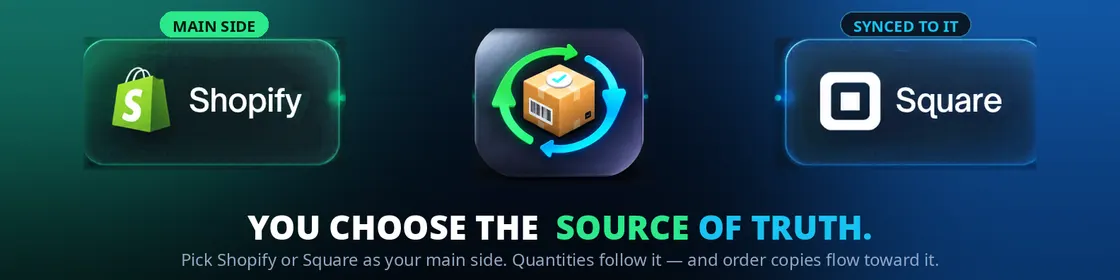
- Copies orders to your principal side. You choose which side leads — Shopify or Square. Orders from the other side are copied to the principal side so you can fulfill everything from one place. Each store keeps its own checkout: payments never move from the store where the sale happened.
- Creates second-store products with their full photo gallery — every photo, in the same order, with each variation's photo tied to that variation — and keeps the photos it placed equal to your principal store afterwards: photos you add, replace or reorder there are matched on the other side, and a photo you delete in your principal store is only deleted in the other store after you confirm it in the app. Photo sync has its own switch, separate from the inventory mirror: turning it on warns you that your principal store's photo set will replace the other store's, and you can mark any photo "do not sync" to leave it out — that applies to photos only, never to quantities.
- A clear panel inside your store, showing connection status, the counts from the last round, and any products that could not be matched yet — with the reason.
- An emergency disconnect button. If you ever need to cut everything off (store closing, account change, security), one button disconnects the app completely. Reconnecting goes through a review-and-confirm screen, so it can never happen by accident.
What's included
- The app installed in your Shopify store (one subscription = one store).
- The installation guide and a full user guide to the panel, with pictures for every step.
- Automatic, continuous syncing while your subscription is active.
- Updates included: improvements are released once and reach your store.
- Email support, Monday to Friday, 8 AM–6 PM Eastern Time.
How you receive and install it
- Subscribe with your email and your store's address. At checkout you enter your email and the address of your Shopify store — that is all we need to prepare your app.
- We email you your personal install link. It arrives from support.apps@noventratxr.com, made only for your store, together with the installation guide.
- Open the link and click Install. It takes you inside your own store, to the install screen. Click Install and the app is installed. There are no codes, no keys and nothing to paste.
- Connect Square and choose your principal side. Inside the app, click Connect Square and sign in with your Square account, then choose which side — Shopify or Square — has the correct product details. Your 14-day free trial starts when both stores finish connecting.
If you disconnect the app, your trial and subscription are not erased: the trial clock keeps running and your history is preserved. Disconnecting does not cancel your subscription; cancellation is separate, whenever you decide.
Requirements — please read before buying
- You need a Shopify store and a Square account.
- Your products must be created on both platforms and completely defined: every product and every variation (color, size, etc.) with all of its attributes filled in, including the SKU code of each variation. Incomplete variations stay out of sync until they are completed; the app shows you which ones they are and why.
- Sorting out a catalog that does not meet this is separate work and is not part of the subscription.
Price and trial
- $39.99 USD per month, per store.
- 14-day free trial, starting when you finish connecting your store (step 4 above). Cancel during the trial and you are not charged.
Refund and support policy
- No refunds, except where required by law.
- You can cancel at any time: cancellation stops renewal, and your access stays active until the end of the period you already paid for.
- Support: support.apps@noventratxr.com — Monday to Friday, 8 AM–6 PM Eastern Time (ET).